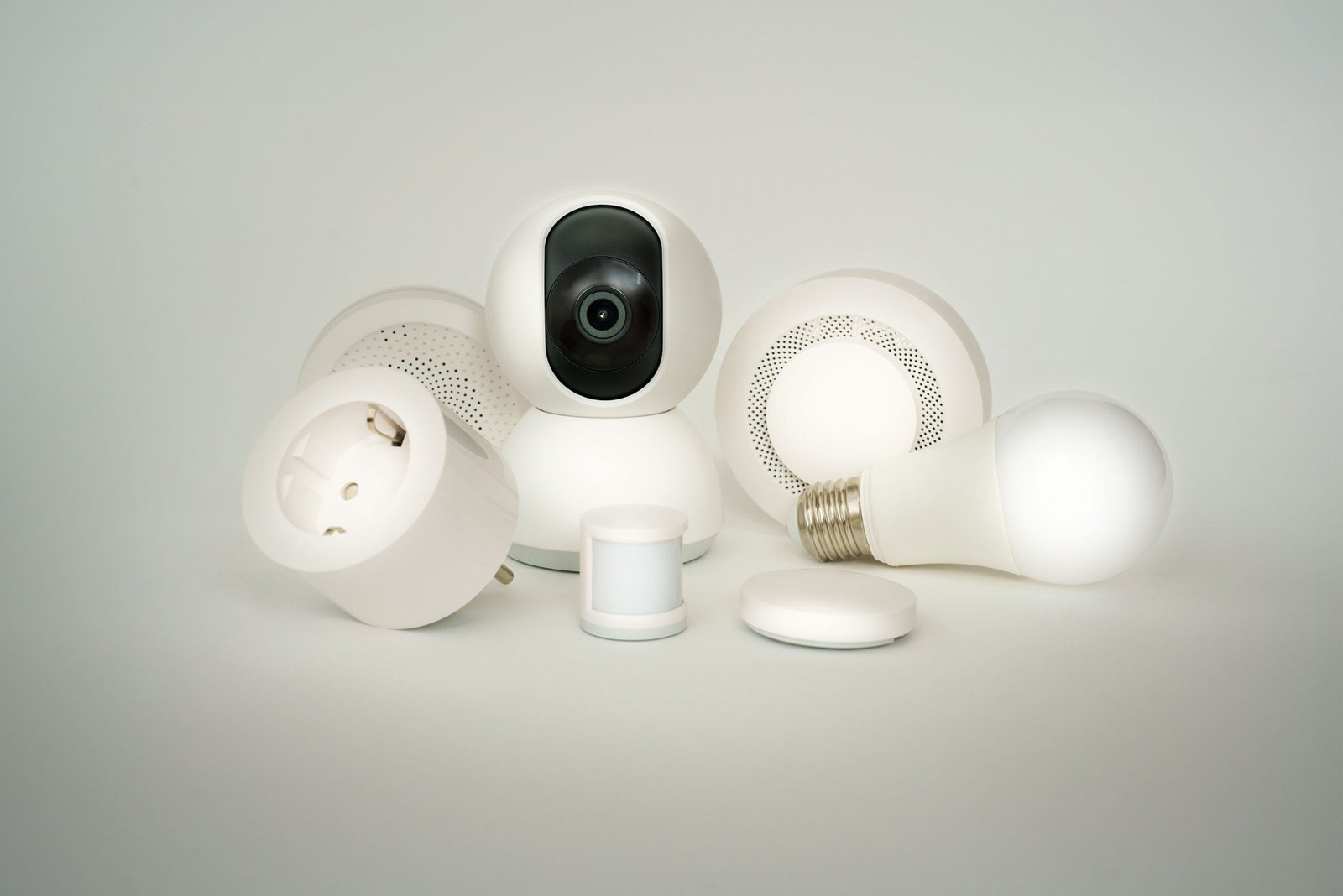
Best Smart Plugs in Canada: 7 Things to Know Before You Buy (No Hub Needed)
A smart plug is the easiest way to start a smart home. It costs less than a takeout dinner, takes five minutes to set up, and turns an ordinary lamp, coffee maker, or fan into something you can control from your phone.
But not every plug sold online is a good fit for a Canadian home. This guide covers what to check before you buy, so you end up with the best smart plugs for your space, not a cheap one that drops off your Wi-Fi or was never certified for use in Canada.
This post contains affiliate links. As an Amazon Associate, we earn from qualifying purchases.
What’s Inside
What Does a Smart Plug Actually Do?
A smart plug sits between your wall outlet and any device you plug into it. It connects to your home Wi-Fi, and an app on your phone lets you switch it on or off from anywhere.
No hub, no wiring, and no electrician. If you can plug in a lamp, you can install a smart plug.
Once it’s set up, you can:
- Turn things on or off from your phone, whether you’re on the couch or at work.
- Set schedules, like lamps that turn on at sunset or a coffee maker that starts at 6:30 a.m.
- Use your voice with Alexa, Google Assistant, or Apple Home.
- Run an away mode that switches lights on and off at random, so your home looks lived-in while you’re travelling.
- Track energy use on plugs with energy monitoring, so you can see which devices cost the most to run.
7 Things to Look for in the Best Smart Plugs
1. A Canadian certification mark
This is the most important one. Electrical products used in Canada should carry a recognized certification mark such as CSA, cUL, or cETL, and the mark should be on the plug itself, not just the box. Health Canada’s guide to buying electrical products online explains what to look for. If a listing doesn’t show a mark, ask the seller or skip it.
2. 2.4 GHz Wi-Fi support
Most smart plugs connect only to the 2.4 GHz band of your Wi-Fi, not 5 GHz. Most home routers broadcast both, so this is rarely a problem, but it’s the most common reason setup fails. Check your router settings if the plug won’t connect.
3. Works with your voice assistant
If you already use Alexa, Google Assistant, or Apple Home, make sure the plug supports it. Plugs labelled Matter work across all three, which keeps your options open if you switch later.
4. The right load rating
Most indoor smart plugs are rated for 15 amps, which covers lamps, fans, coffee makers, and electronics. Always check the rating against what you plan to plug in.
5. A compact size
Bulky plugs can block the second outlet on the same wall plate. A slim design leaves both outlets free.
6. Energy monitoring
Not essential, but useful. Plugs with energy monitoring show how much power a device uses, which helps you spot appliances that quietly add to your hydro bill.
7. Outdoor and cold-weather ratings
For holiday lights or a block heater, you need a plug made for outdoor use. Check that it’s weather-resistant and rated for the cold temperatures your area gets in winter.
Types of Smart Plugs
Basic indoor smart plugs
The best starting point. They handle on/off control, schedules, and voice commands. Multi-packs usually cost less per plug. [Amazon link]
Smart plugs with energy monitoring
A good pick if you want to see what your devices cost to run, especially older appliances or electronics left on standby. [Amazon link]
Outdoor smart plugs
Built for porches and backyards, often with two outlets you can control separately. Ideal for holiday lights, so you never have to step outside in January to unplug them. [Amazon link]
Smart power strips
A smart version of a regular power bar, with several outlets you can control individually. Useful for a desk setup or entertainment centre. [Amazon link]
How to Set Up a Smart Plug
- Download the plug maker’s app, or open your Alexa, Google Home, or Apple Home app.
- Plug the smart plug into a wall outlet. A light will blink to show it’s ready to pair.
- In the app, tap Add device and follow the steps. Connect it to your 2.4 GHz Wi-Fi.
- Give it a clear name, like “Living Room Lamp,” so voice commands are easy.
- Plug in your device and test it from your phone.
The whole process usually takes under five minutes.
What Not to Plug Into a Smart Plug
Smart plugs are simple, but they’re not for everything:
- Space heaters and other high-draw appliances. Many manufacturers advise against it. Check both the heater’s and the plug’s instructions before you try, and when in doubt, don’t.
- Anything that shouldn’t run unattended, like irons or hair straighteners.
- Devices with a physical switch that stays off. If a lamp’s own switch is off, the smart plug can’t turn it on. Leave the device switched on and let the plug control the power.
Smart Plug Quick Checklist
- Canadian certification mark (CSA, cUL, or cETL) on the plug
- Works with 2.4 GHz Wi-Fi
- Compatible with Alexa, Google, Apple Home, or Matter
- Load rating fits your device
- Slim enough to leave the second outlet free
- Energy monitoring, if you want it
- Outdoor and cold-weather rated, for exterior use
Start with one or two plugs on the lamps you use every day. Once you see how easy it is, the best smart plugs become the building blocks for the rest of your smart home.